Introduction
With the constant evolution of digital threats, traditional network security models are proving insufficient. Today, more organizations are adopting Zero Trust Architecture to enhance security, particularly in cloud environments like Microsoft Azure. Unlike traditional models, Zero Trust emphasizes continuous verification of user identity and device health before granting access to any resources. This shift is not just a trend; it's a fundamental transformation in how businesses approach cybersecurity.
What Is Zero Trust Architecture?
Zero Trust is a security model that operates on the principle of "never trust, always verify". Instead of assuming that internal networks are safe, Zero Trust continuously validates every access attempt. Whether it's a user trying to access a file or an application interacting with a database, Zero Trust ensures that only authorized entities gain access. In an Azure environment, this becomes especially valuable because cloud platforms are inherently exposed to various cyber threats. As organizations migrate their resources to Azure, Zero Trust helps create a robust security perimeter that protects sensitive information.
Why Zero Trust in Azure?
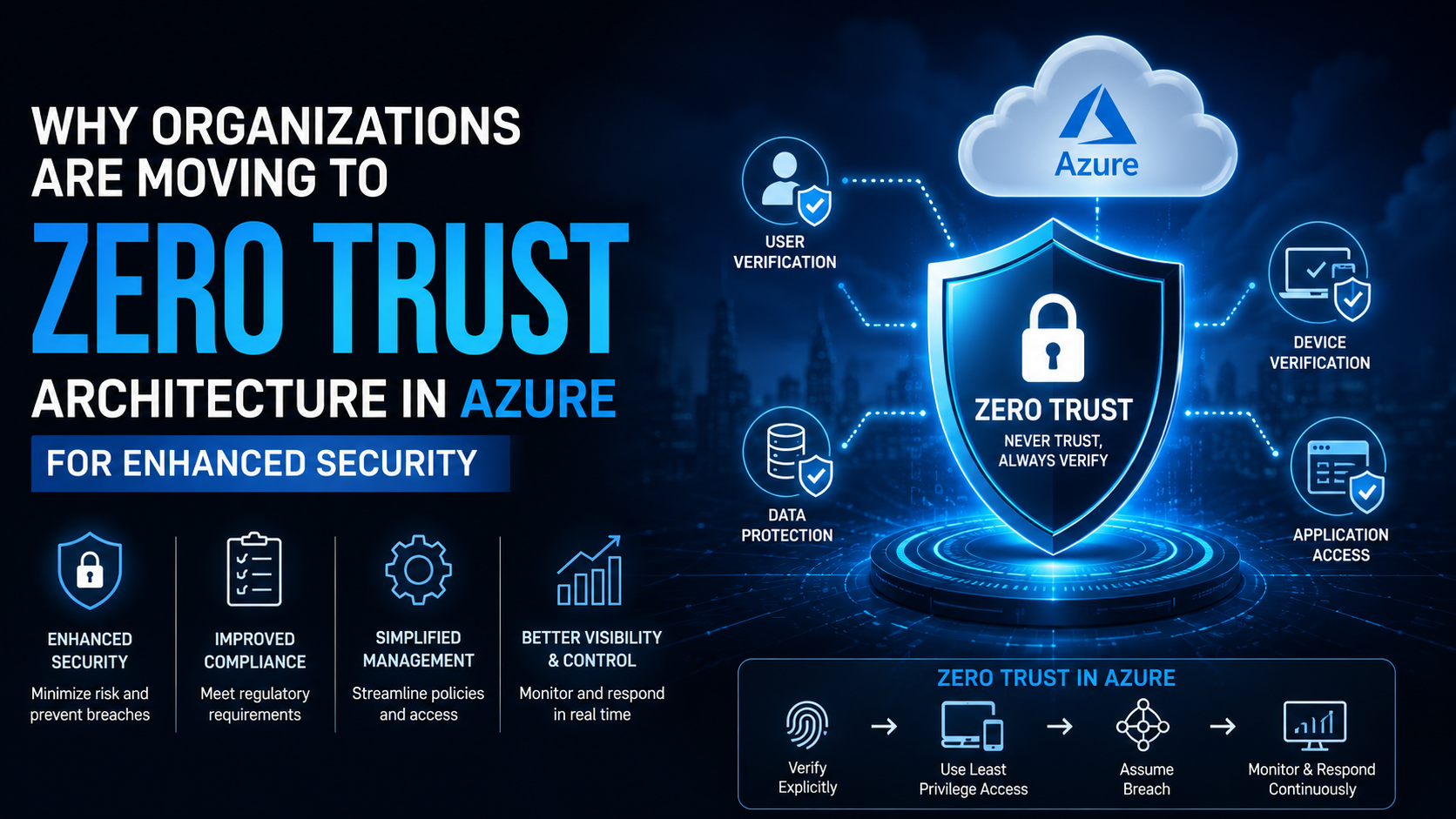
Azure offers robust tools and services that make implementing Zero Trust more manageable. With built-in identity and access management tools, organizations can enforce policies that govern access based on real-time analytics. By integrating Zero Trust with Azure, businesses can achieve several security benefits:
- Enhanced Security: The continuous verification process limits unauthorized access, reducing the risk of data breaches.
- Improved Compliance: Many regulatory standards now recommend or require Zero Trust approaches.
- Simplified Management: Azure's security tools allow for streamlined management of users, policies, and access logs.
Implementing Zero Trust in Azure: Step-by-Step Guide
Here's a step-by-step approach to implementing Zero Trust in Azure:
- Define the Protection Surface: The protection surface includes critical data, applications, assets, and services. In an Azure environment, this could mean securing sensitive data stored in databases, protecting virtual machines, or managing access to Azure Active Directory.
- Enforce Identity Verification: Use Microsoft Entra ID with MFA and Conditional Access to verify every user and device before granting access.
- Apply Least-Privilege Access: Grant only the access each user needs using RBAC and Privileged Identity Management (PIM).
- Monitor and Respond Continuously: Use Microsoft Sentinel and Defender for Cloud to continuously monitor activity and respond to threats in real time.