The Problem
If you've worked with Microsoft Azure, Microsoft Graph, or Microsoft 365 APIs, you've probably noticed that almost every API returns its data in JSON format.
While JSON is perfect for data exchange, most .NET developers eventually need to convert that JSON into C# classes before implementing the response in applications, Azure WebJobs, Azure Functions, Console Applications, or ASP.NET projects.
There are many online JSON-to-C# converters available. They work well but they introduce an important question.
Is Your API Data Really Safe?
Many developers simply copy and paste their API responses into online converter websites.
But consider what's inside those responses:
Tenant information
User details
Subscription IDs
AdvertisementSecurity configurations
Microsoft Graph data
Organization-specific information
Even if a website claims it doesn't store your data, you often have no way to verify how your information is handled after you paste it.
For organizations working with sensitive Azure or Microsoft 365 environments, uploading API responses to an external website may not align with security best practices.
The Solution
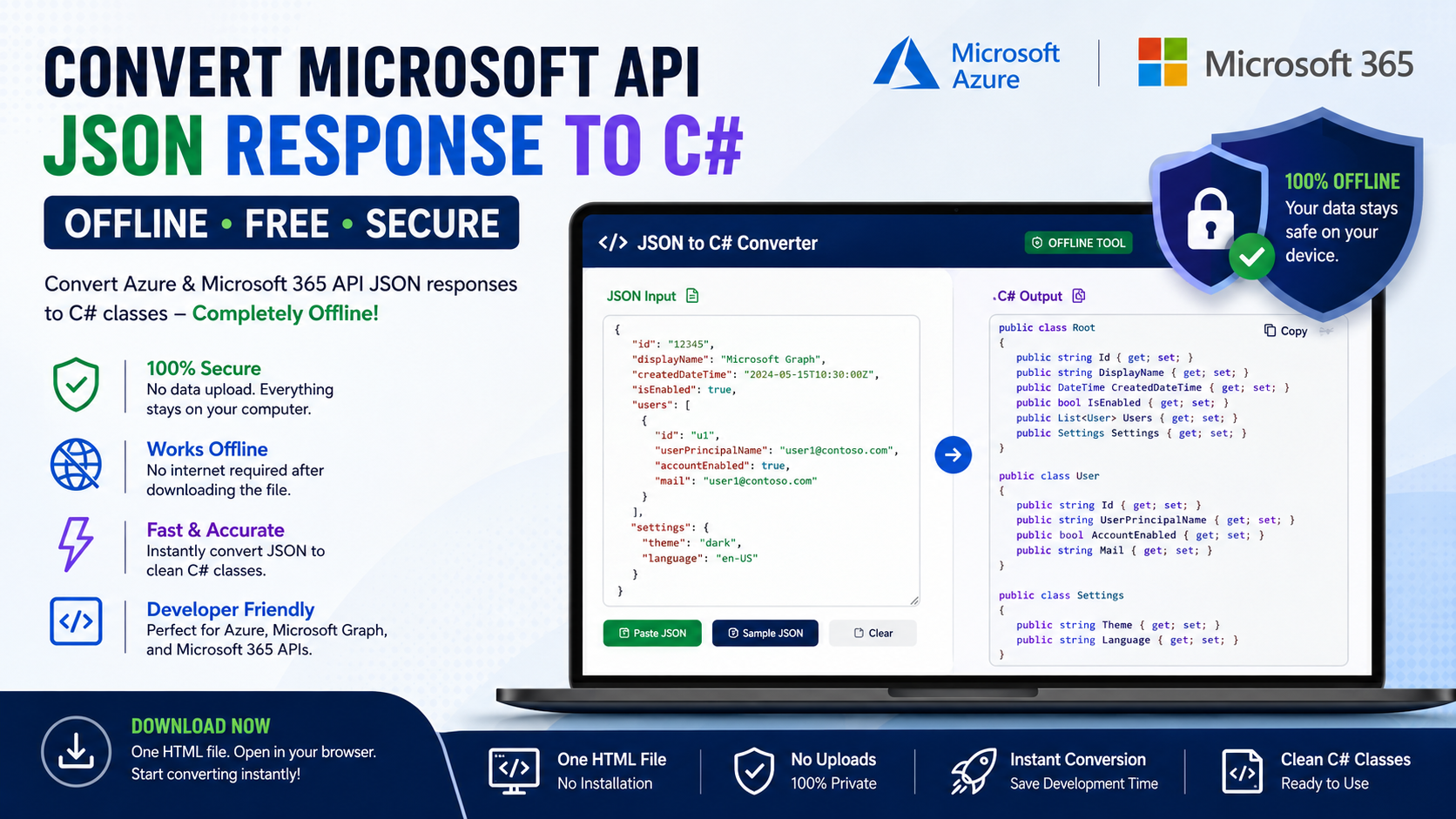
To solve this problem, I've created a completely offline JSON to C# Converter.
Instead of uploading your JSON to an online service, you simply:
Download the HTML file.
AdvertisementOpen it in any modern web browser.
Paste your JSON response.
Instantly generate C# classes.
Everything happens locally on your computer.
No internet connection is required after downloading the file.
No data leaves your machine.
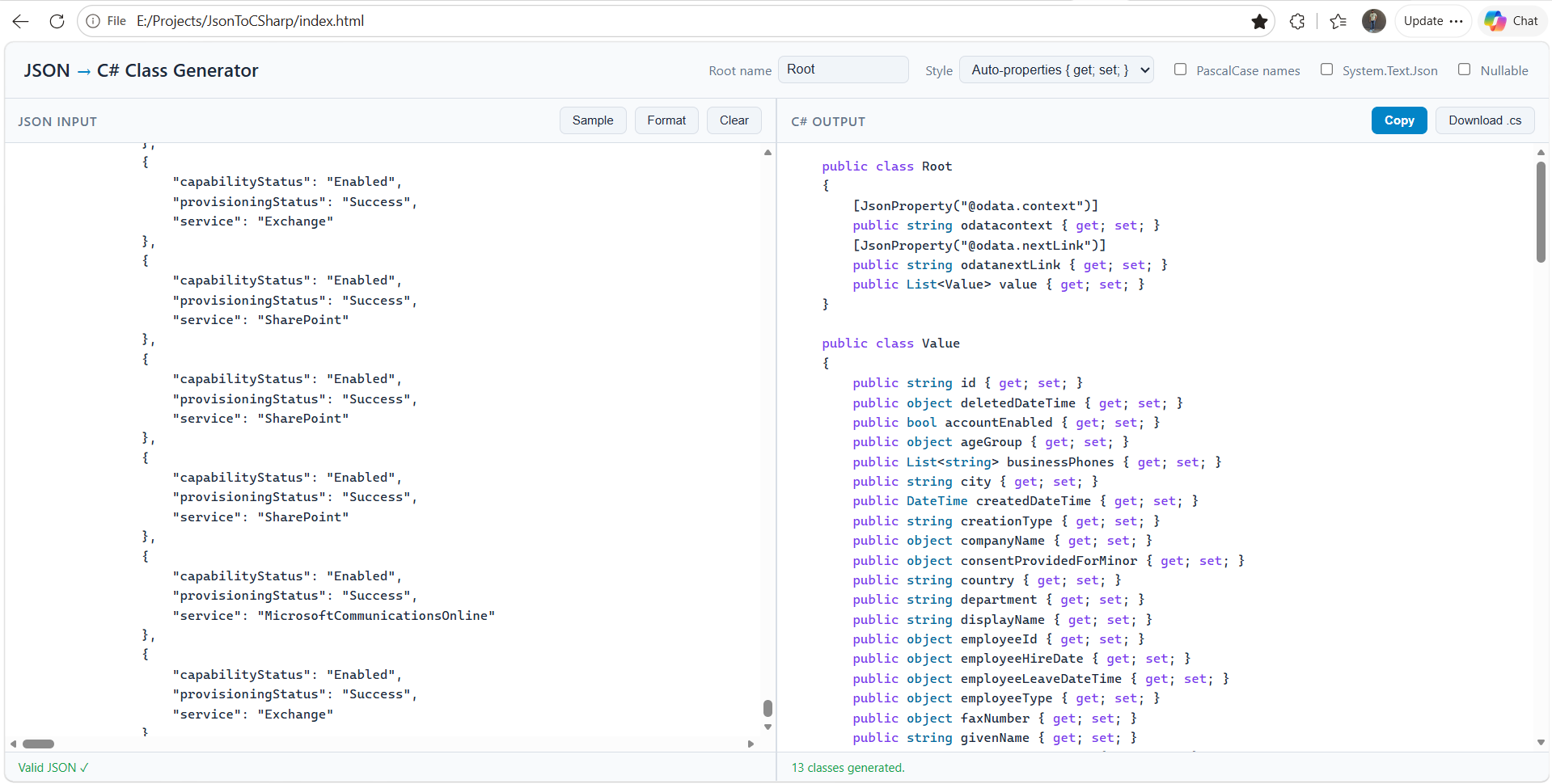
Why Use This Offline Tool?
Completely free
AdvertisementWorks offline
No installation required
Simply open the HTML file in your browser
No data upload
Fast conversion from JSON to C#
Perfect for Azure, Microsoft Graph, and Microsoft 365 APIs
Ideal for Azure WebJobs, Azure Functions, ASP.NET, and .NET applications
Why C#?
Most Azure solutions, enterprise integrations, and Microsoft cloud applications are developed using C# and .NET.
That's why this tool focuses on generating clean C# classes that can be directly used in your projects, reducing development time and eliminating manual class creation.
Download the Tool
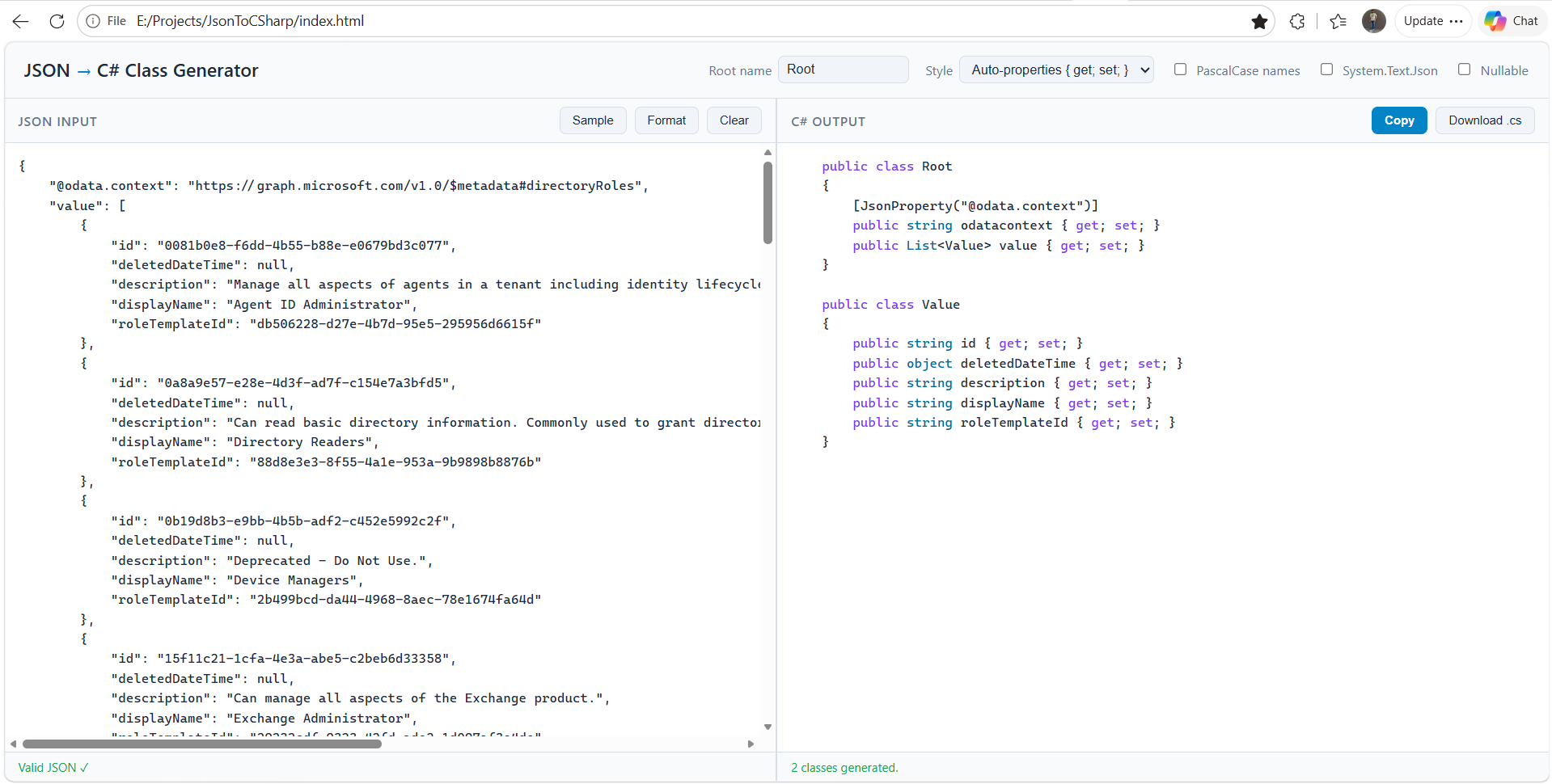
Download the HTML file, open it in your browser, paste your JSON response, and generate your C# classes instantly.
No setup.
No installation.
No uploads.
Just fast and secure offline conversion.
Future Enhancements
Currently, the tool generates C# classes.
If you're interested in support for additional programming languages such as Java, TypeScript, Python, Go, or others, let us know. Future versions can be expanded based on community feedback.
Final Thoughts
When working with Azure and Microsoft 365 APIs, security should always come first.
Using an offline converter allows you to keep your API responses private while still generating production-ready C# classes quickly and efficiently.
If you frequently work with Microsoft Graph, Azure REST APIs, or Microsoft 365 services, this free offline tool can become a valuable part of your development workflow.