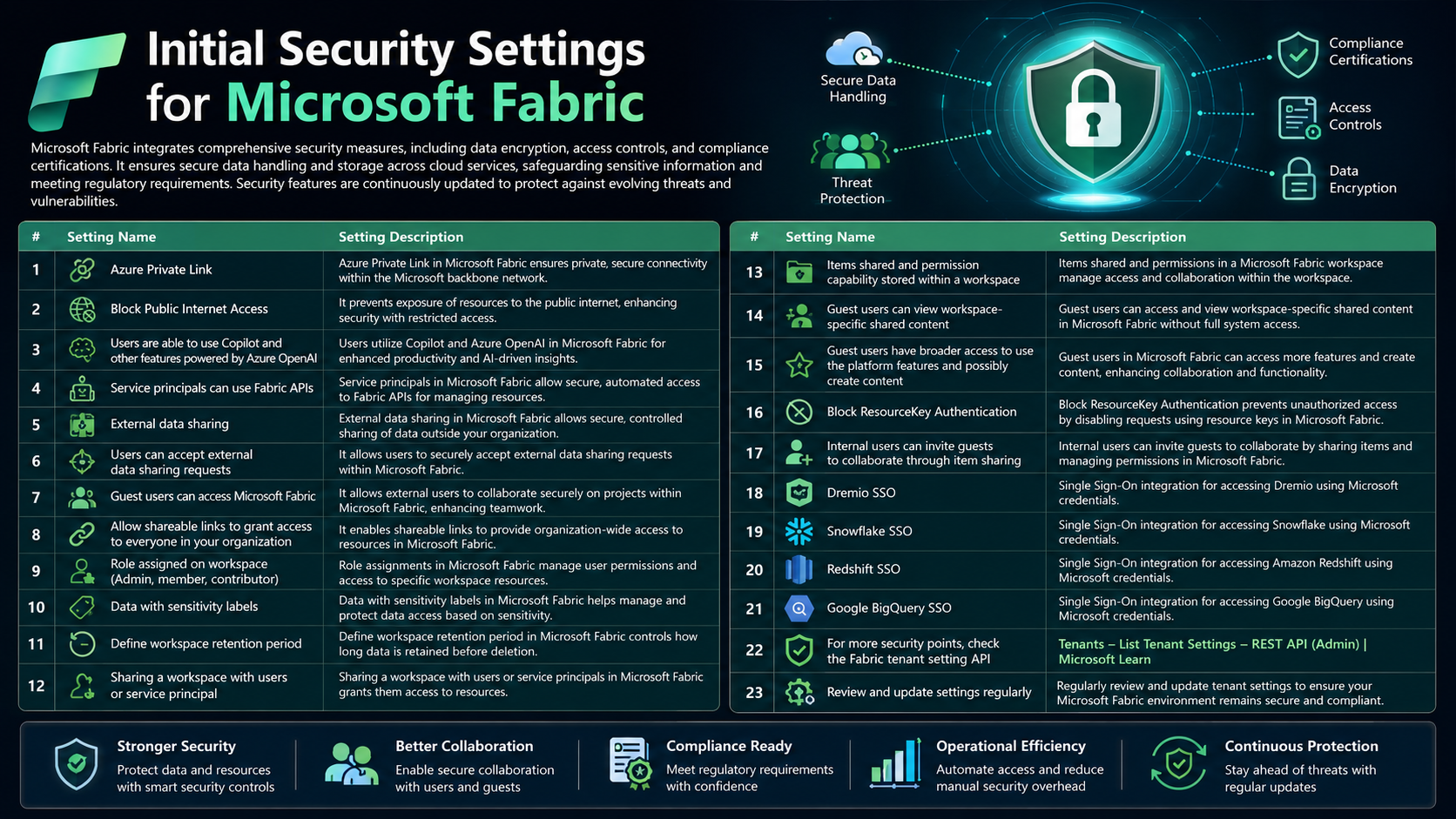
Microsoft Fabric integrates comprehensive security measures, including data encryption, access controls, and compliance certifications. It ensures secure data handling and storage across cloud services, safeguarding sensitive information and meeting regulatory requirements. Security features are continuously updated to protect against evolving threats and vulnerabilities.
Advertisement
Here are the security points which are necessary to cross-check those settings:
Advertisement
| Setting Name | Setting Description |
|---|---|
| Azure Private Link | Azure Private Link in Microsoft Fabric ensures private, secure connectivity within the Microsoft backbone network. |
| Block Public Internet Access | It prevents exposure of resources to the public internet, enhancing security with restricted access. |
| Users are able to use Copilot and other features powered by Azure OpenAI | Users utilize Copilot and Azure OpenAI in Microsoft Fabric for enhanced productivity and AI-driven insights. |
| Service principals can use Fabric APIs | Service principals in Microsoft Fabric allow secure, automated access to Fabric APIs for managing resources. |
| External data sharing | External data sharing in Microsoft Fabric allows secure, controlled sharing of data outside your organization. |
| Users can accept external data sharing requests | It allows users to securely accept external data sharing requests within Microsoft Fabric. |
| Guest users can access Microsoft Fabric | It allows external users to collaborate securely on projects within Microsoft Fabric, enhancing teamwork. |
| Allow shareable links to grant access to everyone in your organization | It enables shareable links to provide organization-wide access to resources in Microsoft Fabric. |
| Role assigned on workspace (Admin, member, contributor) | Role assignments in Microsoft Fabric manage user permissions and access to specific workspace resources. |
| Data with sensitivity labels | Data with sensitivity labels in Microsoft Fabric helps manage and protect data access based on sensitivity. |
| Define workspace retention period | Define workspace retention period in Microsoft Fabric controls how long data is retained before deletion. |
| Sharing a workspace with users or service principal | Sharing a workspace with users or service principals in Microsoft Fabric grants them access to resources. |
| Items shared and permission capability stored within a workspace | Items shared and permissions in a Microsoft Fabric workspace manage access and collaboration within the workspace. |
| Guest users can view workspace-specific shared content | Guest users can access and view workspace-specific shared content in Microsoft Fabric without full system access. |
| Guest users have broader access to use the platform features and possibly create content | Guest users in Microsoft Fabric can access more features and create content, enhancing collaboration and functionality. |
| Block ResourceKey Authentication | Block ResourceKey Authentication prevents unauthorized access by disabling requests using resource keys in Microsoft Fabric. |
| Internal users can invite guests to collaborate through item sharing | Internal users can invite guests to collaborate by sharing items and managing permissions in Microsoft Fabric. |
| Dremio SSO | Single Sign-On integration for accessing Dremio using Microsoft credentials. |
| Snowflake SSO | Single Sign-On integration for accessing Snowflake using Microsoft credentials. |
| Redshift SSO | Single Sign-On integration for accessing Amazon Redshift using Microsoft credentials. |
| Google BigQuery SSO | Single Sign-On integration for accessing Google BigQuery using Microsoft credentials. |
For more security points, check the Fabric tenant setting API: Tenants – List Tenant Settings – REST API (Admin) | Microsoft Learn.
Advertisement
Advertisement